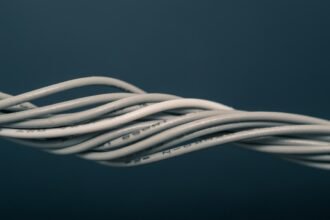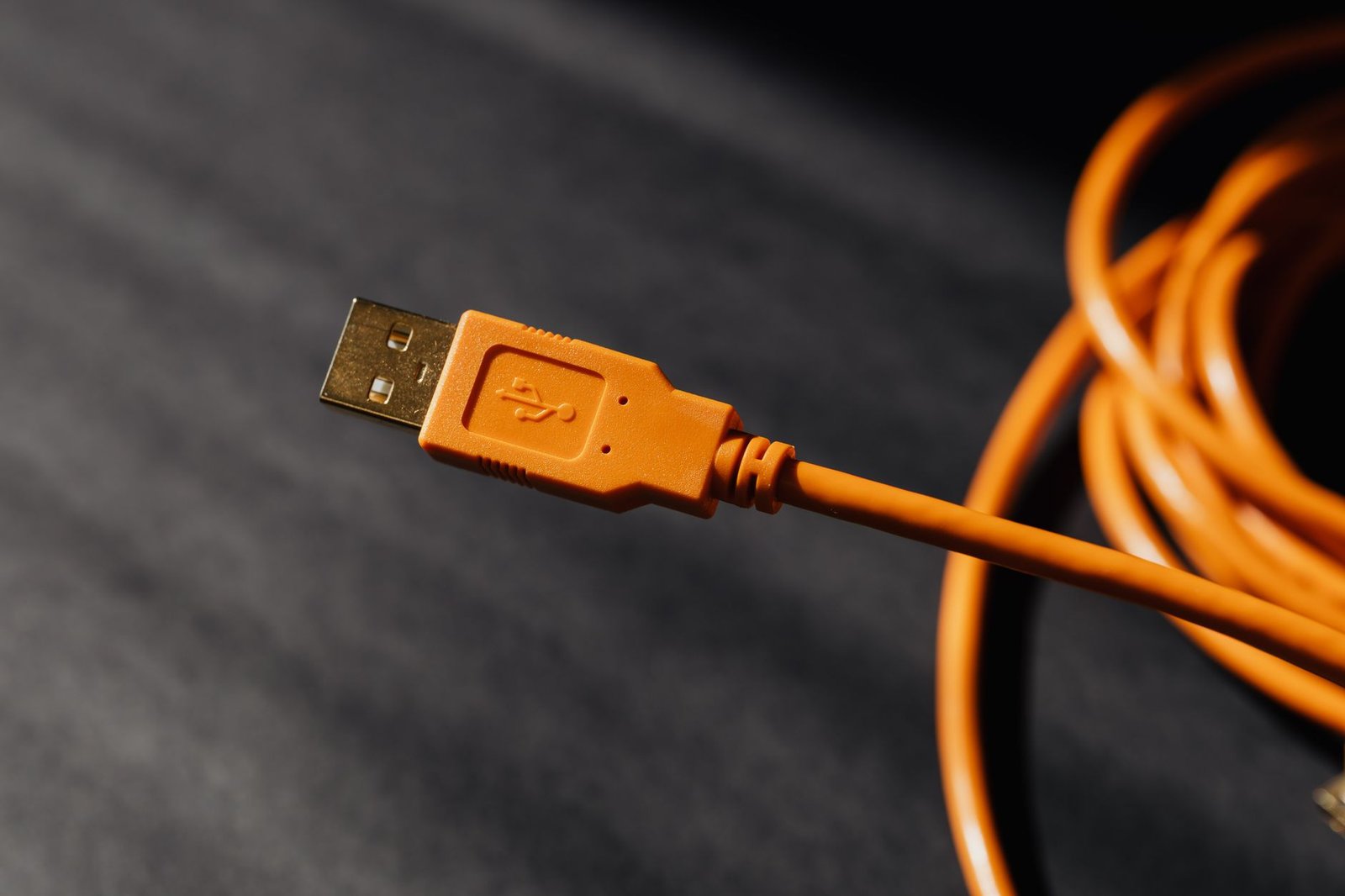
A cable can look intact while its electrical path is already becoming unreliable.
The familiar failure is maddening: charging starts when the plug is held at a particular angle, then stops as soon as the phone returns to a pocket. That is rarely a single dramatic break. Repeated bending concentrates strain at the plug exit, gradually cracking copper strands or weakening the joint beneath the overmold. A cable may still pass low-current charging while voltage drop and intermittent data contacts emerge under movement.
Pocket carry adds abrasion, lint, moisture residue, and compression from keys or a seated body. Debris packed into a USB-C receptacle can prevent full insertion, making a sound cable appear faulty; contamination on the plug contacts can create the same symptom. Durability is a system property: flexible conductors, robust strain relief, a well-supported connector shell, and handling that avoids sharp folds all matter. A thick jacket alone says little about what is happening inside.
- Failure changes with plug angle or cable position, pointing to strain-zone or contact wear.
- A plug that no longer seats firmly may be blocked by pocket lint rather than electrically damaged.
- Higher-power charging can expose resistance that ordinary charging masks.
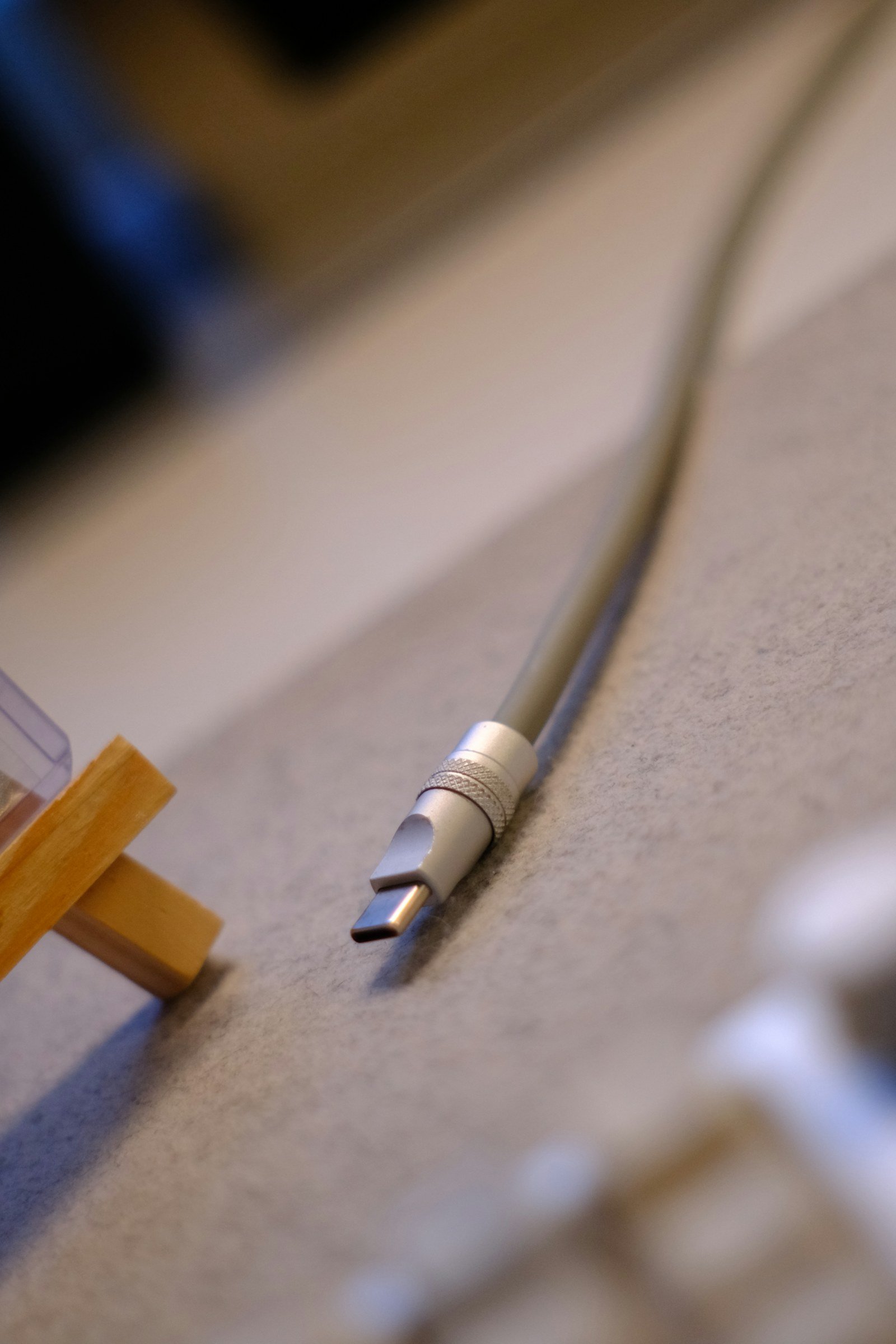
- Hidden fractures Copper strands can fatigue beneath an unbroken outer jacket.
- False failures Lint can stop a USB-C plug short of full engagement.
- Strain control Bend radius matters more than jacket thickness alone.
Why the plug transition fails first
A pocket cable rarely breaks in its middle. However, when used while charging or bent, it concentrates force at the plug. The copper strands flex at the housing edge and can fracture under hundreds of cycles.
A useful strain relief is long, flexible, and tapered. Its gradual change in stiffness spreads a bend over a wider section of cable. Instead, a short collar—or a metal shell ending at the jacket—looks robust but moves the stress line beyond its edge.
Plug geometry also changes the load path.
A straight connector protrudes from a device, so side pressure creates a lever at the transition.
Cable construction and right-angle connector stress are therefore linked.
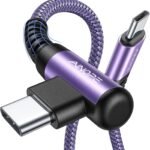
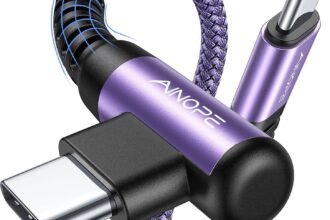
An angled plug can reduce snagging in a pocket or beside a power bank.
However, its own cable exit still needs a compliant relief.
Signs worth watching include:
- whitening, splitting, or permanent kinks beside the plug;
- a jacket that wrinkles sharply when flexed;
- charging that cuts out only when the cable is held at one angle.
Decorative braid helps resist wear, but it does not by itself protect the conductors at this high-flex junction.
What the cable hides beneath its jacket
Durable pocket cables: construction and longevity
A durable pocket cable is built as a flexing system. Its copper conductors are divided into many fine strands. When bent, these strands share movement instead of forcing one solid core to take the strain. Strand count, strand diameter, copper quality, and twisting influence fatigue life.
Conductor gauge serves a different purpose. A lower AWG number generally carries more current with less voltage drop, which matters for longer cables and higher charging loads. It does not, by itself, make a cable more bend-resistant: a large conductor made from relatively coarse strands can be electrically capable yet stiff at the plug transition.
Layers that prevent internal rubbing
Each power and data conductor benefits from flexible insulation. This insulation prevents shorts when the cable is compressed or repeatedly curved. Data pairs may be twisted and wrapped in foil or braided shielding to limit interference. The shielding must stay flexible to avoid becoming a rigid stress point.
Manufacturers also use soft filler yarns, tapes, or elastomeric cores to occupy empty space. These materials keep conductors from sliding, pinching, and abrading one another inside the jacket. A heavy outer jacket can resist scuffs, but it cannot compensate for coarse stranding, poorly supported conductors, or a hollow interior that lets components move freely.
Inspect the connectors before pocket carry
Even so, a cable can look substantial while its connector attachment is already suspect. Before daily rotation, hold each plug shell. Also grip the strain-relief area and apply a light side-to-side movement. The metal shell should not rock, twist, separate from the overmold, or make a faint clicking sound. A seam in the molded relief is cosmetic only if it remains closed under gentle flexing.
Inspect the USB-C tongue through the opening. It should sit centrally, straight, and parallel to the shell. It should have evenly spaced contacts and no debris, discoloration, or rough edges. A tongue that appears offset or tilted can indicate poor assembly or damage. Forcing that plug risks unreliable seating.
The finish also matters.
Cleanly formed shells, smooth relief transitions, and consistent plating resist pocket abrasion better than sharp edges.
Loose coatings or thin decorative sleeves worsen wear.
On first insertion, a healthy USB-C plug enters evenly and stops firmly and repeatably without scraping or wobble.
This e-marker is not a general durability badge.
It is an identification chip.
It lets devices negotiate the cable’s supported current, power, and, in some designs, data capability.
For higher-power USB-C use, look for explicit ratings.
These include 5 A or USB4 data speed, and USB-IF certification where available.
These provide more meaningful evidence than claims such as “fast,” “premium,” or “PD ready.”
Keep lint from turning into leverage
-
Disconnect before inspecting
Unplug the cable from both ends and examine the USB-C plug and receptacle under bright light. A pocket port can look clean while lint is packed tightly against its rear wall.
-
Loosen debris without scraping contacts
Use a dry, soft nylon brush or a clean non-metallic pick with very light pressure. Work around the port floor and edges; avoid dragging across the center tongue or contact springs.
-
Keep every cleaning method dry
Liquids, contact sprays, and damp swabs can leave residue or carry contamination deeper into the connector. Metal pins, needles, and tweezers can bend springs, scratch plating, or bridge contacts.
-
Check for full insertion afterward
A properly seated USB-C plug sits nearly flush and should not rock excessively. If lint keeps the plug slightly proud, ordinary movement turns the cable into a lever against the port and plug transition.
-
Repeat once a week for pocket-carried gear
Regular light cleaning is safer than waiting for debris to become compressed. It also helps distinguish contamination-related charging dropouts from a worn cable or damaged receptacle.
Incomplete insertion can cause intermittent charging or data loss because the contacts are only partly engaged. Repeatedly twisting or pressing a blocked plug can load the connector tongue and cable strain relief far beyond normal use.
Let the cable relax before it goes back in a pocket
- Release the shape imposed by the last use
After charging, straighten any sharp S-bends or twists with light finger pressure. A kink left under tension becomes the cable’s preferred fold line, repeatedly loading the same strands.
- Form broad, loose loops
Coil in loops several times wider than the cable diameter, then let the bundle rest without a tight tie. Alternating the direction of successive loops can prevent stored twist from accumulating.
- Keep bends away from the plug transition
The first few centimetres behind each connector contain the most vulnerable conductor transition. A tight fold there can strain copper strands beneath an intact jacket and shorten the relief’s useful life.
- Do not use nearby gear as a spool
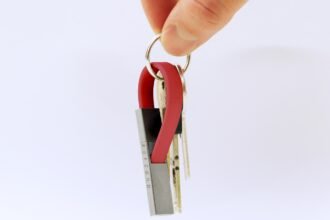
Wrapping a lead around a power bank, charger, key ring, or fingers creates small-radius bends and leaves the coil under pull. A loose figure-eight or flat pocket coil is gentler.
- Choose enough length to leave working slack
Durability tradeoffs of very short cable lengths become apparent when a lead must bridge awkwardly placed ports: it may be forced into tight turns, with no slack to absorb movement. A modestly longer cable can make a broader, less stressed route possible.
If a cable retains a permanent crease after being relaxed, its internal structure may already have been stressed.
A pocket is a hostile storage case
Keys and coins act like moving abrasives.
While a pocket flexes during walking or sitting, their edges repeatedly scuff the jacket. They can catch a cable loop, transferring a sharp pull directly to the connector transition.
Zipper teeth add a different hazard: localized snagging and crushing that can flatten insulation or kink a conductor bundle.
A crowded pocket also creates side-loading. Phones, power banks, or keyrings can press on a plug at an angle. This leverages the cable where its strain relief is most vulnerable. Damage may begin as a barely visible set in the jacket, then develop into intermittent charging after repeated bending.
Store it as a separate item
Cables last longer when loosely coiled and kept in a soft sleeve, shallow zip pouch, or organizer. The container need not be elaborate, but it should prevent hard objects from rubbing or bearing on the plugs. Keeping both connectors inside the coil instead of folding tightly around it reduces snag risk.
Stronger jackets help with surface wear.
Protected storage often lasts longer than a thicker-jacket cable.
It keeps the same crowded-pocket routine.
Know when pocket wear has become a replacement issue
-
Treat intermittent charging as a fault, not a quirk
A cable that charges only at a particular angle, disconnects when the phone moves, or repeatedly changes charging state may have broken strands or worn contacts. Cleaning the port can rule out lint, but a recurring symptom warrants retiring the cable.
-
Read jacket damage beneath the surface
Whitening at a bend usually signals stretched polymer and repeated internal strain. Splits, deep abrasion, permanent sharp kinks, or any exposed braid, foil, insulation, or conductor mean the cable is no longer suitable for routine carry.
-
Check that both plugs seat and stay still
A USB-C plug should insert fully and fit without conspicuous rocking. A loose shell, bent center tongue, damaged contact area, or plug that releases under light movement can cause arcing, poor negotiation, and port wear.
-
Take unusual heat seriously
Slight warmth during high-power charging can occur, but a hot connector, localized hot spot, odor, discoloration, or softening jacket suggests excessive resistance or damage. Disconnect it and let the equipment cool before inspection.
-
Match the replacement to the charging setup
A sound cable still needs the correct current and power capability for its charger and device; matching safe chargers with sturdy cables avoids stressing an otherwise well-made lead.
Do not attempt to tape over exposed inner material; tape restores neither insulation integrity nor conductor strength.
A cable’s warning signs tend to compound
- Intermittent behavior and plug looseness can precede visible jacket failure.
- Localized heat is a reason to stop routine use, not a symptom to monitor indefinitely.
- A cable’s power rating and connector condition matter as much as its outer braid.
Pocket damage rarely stays cosmetic. Once a cable has persistent charging dropouts, a sharp set in the bend, compromised insulation, plug damage, or abnormal heat, replacement is usually the lower-risk maintenance choice. A clean, fully seated connector and an appropriately matched charger help a durable cable remain dependable longer.