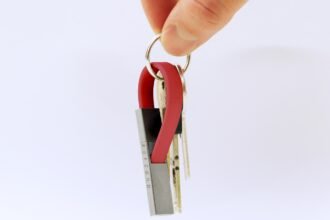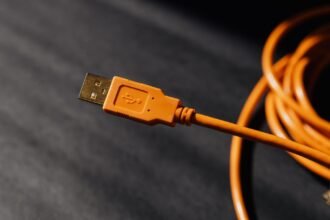
A cable that fits in a pocket can still behave like a small, stubborn coil.
A phone and power bank may sit neatly together at first, then shift as soon as the pocket bends, sits, or takes a step. The spare loop has nowhere to go: it bunches against the device edge, catches on a pocket seam, or presses a plug sideways. Even a nominally short cable can become awkward when its usable path is much shorter than its stated length.
The practical target is the length that reaches between the actual port positions with just enough movement allowance for fabric, body motion, and removing either device—without forming a loose loop. Port orientation matters as much as the measurement. A side-mounted phone port, a bottom-mounted battery port, and a stiff connector housing can demand more clearance than two flat devices suggest. The right fit leaves the connector relaxed rather than acting as a lever.
- Measure along the intended cable route, not as a straight line between devices.
- Include connector housings and strain-relief sections; they do not bend as tightly as the cable.
Map the pairing before measuring
A short cable is sized for one pairing, not two specifications.
Identify the exact pairing, then note where both devices rest during use.
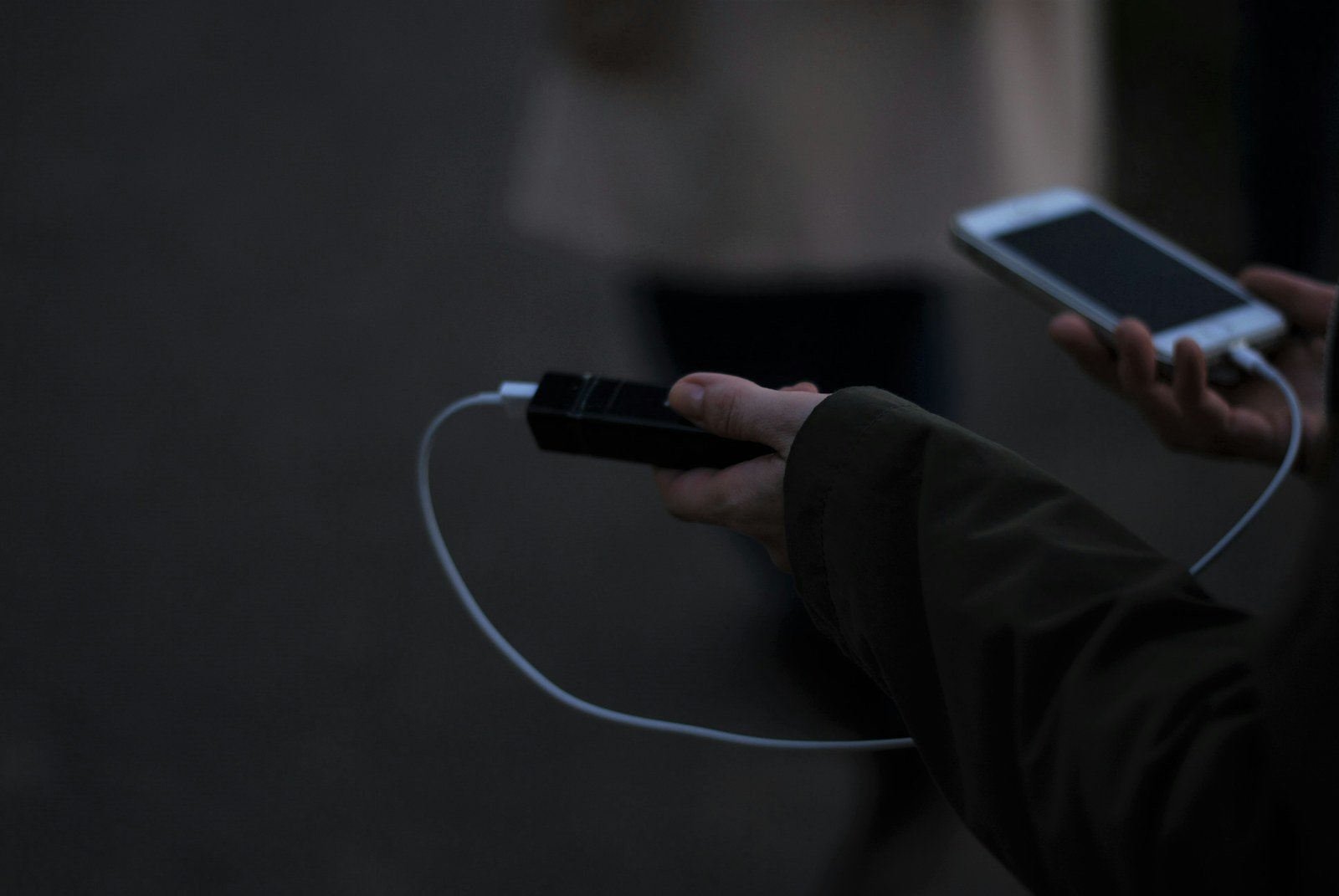
They can be stacked in one pocket, side-by-side in a pouch, in separate pockets, or with one held in the hand.
For stacked devices, ports may face the same or opposite directions. This difference can turn a clean 5 cm run into a cable that must wrap around an edge, and side-by-side devices require enough length for their widest spacing.
Account for movement and adapters
A phone connected to a power bank changes its route when lifted, rotated, or returned to the pocket. Leave a modest bend radius near each plug rather than pulling the cable taut. With minimalist dongle-and-short-cable arrangements, include the adapter body and connector orientation in the map.
Sketching the port-to-port path with a string often reveals the usable measurement faster than a ruler.
Build a target range from the carried path
-
Set the device exactly as it will be carried
Place the phone, battery pack, audio device, or other pair in its intended pocket, pouch, or hand position. Note which way each port faces; rotating one device can change the required route more than a small change in pocket depth.
-
Use a flexible stand-in, not a ruler
Run a string, soft tape, or spare cable along the path the cable will actually take. Measure from one connector’s seating face to the other, following the garment and any bag edge rather than measuring straight through the air.
-
Include the connector bodies in the route
The wire does not begin at the port opening. Account for each plug housing, its cable exit direction, and any adapter or protective case that moves the bend point outward.
-
Shape a shallow service curve
Leave a relaxed curve near the devices instead of pulling the stand-in taut. This small reserve reduces connector side-load and keeps ordinary reaching, sitting, and pocket shifting from turning the cable into a tension strap.
-
Test movement, then record a range
Walk, sit, and reach with the stand-in in place. The shortest comfortable result is a practical lower bound; add enough length for fabric stretch, pocket drift, and the gentle curve to establish an upper bound without creating a loose loop.
For a right-angle plug, trace from the point where its cable exits the housing, not from the port center.
Fabric shifts as the wearer sits or reaches, and a device can settle deeper into a pocket during the day. A single taut measurement describes only one posture; a lower and upper target describes the usable window.
If a candidate length works only when both devices are held perfectly still, its apparent neatness is likely being bought with strain at the connectors.
Match the cable to the carry position
- Tightly stacked devices
For a phone and power bank held directly together, a 10–15 cm (4–6 in) cable often keeps the connection contained. It works only when port positions and connector bodies allow a gentle exit rather than an immediate bend.
Look for10–15 cm with a small, relaxed service curveAvoidAn ultra-short lead that pulls plugs sideways - Phone with a pocketed power bank
When the bank sits behind, beside, or below the phone in the same pocket, 15–25 cm (6–10 in) commonly accommodates the offset and fabric movement. A right-angle connector can reduce the needed slack, but its body still occupies space.
Look for15–25 cm after allowing for pocket depth and port offsetAvoidChoosing by device height alone - Separate pockets or hand-to-pocket use
A 30–45 cm (12–18 in) lead is often the shorter practical band when the phone is in hand and the bank remains in a trouser, jacket, or bag pocket. The route needs enough reserve for sitting, reaching, and changing grip without becoming a dangling loop.
Look forThe shortest length that remains relaxed through normal movementAvoidA taut cable that works only while standing still - Verify the stated length
Nominal cable length may be measured differently across makers, and stiff overmolds reduce usable bend length. Compare the laid-flat plug-to-plug measurement with the measured carried route; select within the tested range, not from the label alone.
Look forA cable whose actual reach exceeds the route slightlyAvoidTreating a printed dimension as universal
Measure from the actual port exit
A cable does not begin at the device edge; it begins where its plug and wire actually exit. A bottom port on a phone carried upright may need only a shallow turn, while a side port can send the cable across the device before it starts toward the companion device. That extra bend belongs in the route measurement.
Thick cases matter twice. Their raised walls can recess the port by several millimeters, and a narrow opening may prevent a bulky plug from seating fully. Measure from the outer face of the connected plug, not from the bare-device port. Also check whether the cable must clear a camera bump, case corner, or pocket seam before it can lie flat.
Treat angled plugs as a different route
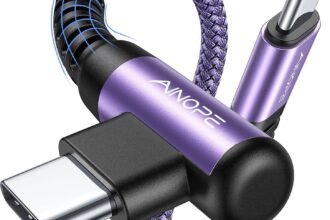
A right-angle connector can reduce the amount of plug projecting into a pocket, but its wire exits sideways rather than straight out. Its effective starting point is the bend after the molded housing, and its direction must point toward the route—not into the case, hand, or pocket wall. Compare short straight and right-angle cables for pocket wear by plugging each in and tracing the first 2–3 cm of cable.
- Verify case-opening clearance and full insertion.
- Check plug orientation with each device facing its carried direction.
- Re-measure whenever a case, adapter, or device thickness changes.
Test the cable in motion
A cable that appears tidy while standing still can become restrictive after a few steps. Load the intended devices into their normal pockets, connect the cable, and run through ordinary movements: walk, sit, crouch, climb stairs, and remove either device with one hand. The useful length is the shortest one that completes these motions without a taut pull, a dangling loop, or a connector being levered sideways.
Watch the cable at its stress points
Inspect the route after each movement. A sharp crease near the plug, repeated folding at the pocket edge, or a cable pressed hard between body and device signals that the compact setup is asking too much of the cable. One-handed retrieval matters: if the cable catches on a pocket seam or forces both devices out together, a little more length or a different port orientation may be more workable.
Usable compactness also depends on construction. Stiffer, thicker cables can form persistent loops and need a larger bend radius; forcing them into a tight U-turn concentrates stress in the conductors. A supple cable generally routes more cleanly, but its jacket still needs protection where it repeatedly flexes. Look for strain relief that extends beyond the plug shell and bends gradually rather than ending in an abrupt, rigid collar. These details are central to short-cable durability considerations, especially when the cable stays connected during movement.
A final check is simple: after several retrievals, the plugs should remain fully seated and the cable should return to a relaxed curve—not retain kinks or pull against either port.
Verify the electrical match
Physical fit does not establish compatibility. A compact lead must match both device ports and the work expected of it.
Confirm the connector and function
Check the connector at both ends, including USB-C, Lightning, Micro-USB, USB-A, and any proprietary device-side fitting. A cable that charges may still lack the conductors needed for file transfer, CarPlay, Android Auto, display output, or high-speed USB data.
Verify the required charging profile as well. For USB-C equipment, the cable’s current rating and USB Power Delivery support need to suit the charger and device; a 5 A e-marked cable may be relevant for higher-power charging, while many pocket accessories need far less. The charger, cable, and device negotiate power together, so the lowest-capability link limits the result.
Avoid unnecessary bulk
Higher-rated cables often use thicker conductors, shielding, and larger plug housings. Those features can be worthwhile for demanding power or data use, but can make a very short lead stiff enough to push devices apart or load a port during movement. For simple low-power charging, a slimmer, well-strain-relieved cable may follow the carried route more naturally.
Final pocket-carry fit check
-
Trace the real route
Connect both devices in their intended pockets, pouch, or hand position. The lead should follow the shortest natural path rather than crossing a zipper, seam, or sharp object.
-
Allow controlled movement
A small service curve accommodates sitting, reaching, and fabric shift. Slack that forms a loop is more likely to snag; tension at full movement transfers load to the ports.
-
Inspect plug geometry
Confirm that straight or angled housings clear the case lip and exit in a direction that does not twist the connector. Recessed ports and thick cases can invalidate an otherwise suitable length.
-
Check bends and capability
The cable should bend gradually near each strain relief while still delivering the required charging profile, data mode, and connector standard. A compact cable that runs hot, disconnects, or limits data is not a useful carry compromise.
-
Identify wear points
Watch for repeated rubbing at pocket edges, zipper tracks, and the first bend behind each plug. Recheck the fit after changing a phone case, device pair, clothing, or carry side.
A short cable is a system fit
- The usable length is defined by the carried route, not the printed measurement.
- Connector direction and strain relief matter as much as nominal length.
- Re-testing after an everyday-carry change prevents a formerly tidy setup from becoming a failure point.
A pocket cable earns its place when it connects the actual device pair without loops, port side-load, or an uncomfortable bend—and still supports the needed power and data function. Treat it as one part of a lower-bulk carry system, alongside cases, organizers, pockets, and charging hardware.
Because those parts change, the fit is worth revisiting. A different case, jacket pocket, battery pack, or carry position can turn a previously well-matched lead into one that is too tight, too loose, or poorly oriented.