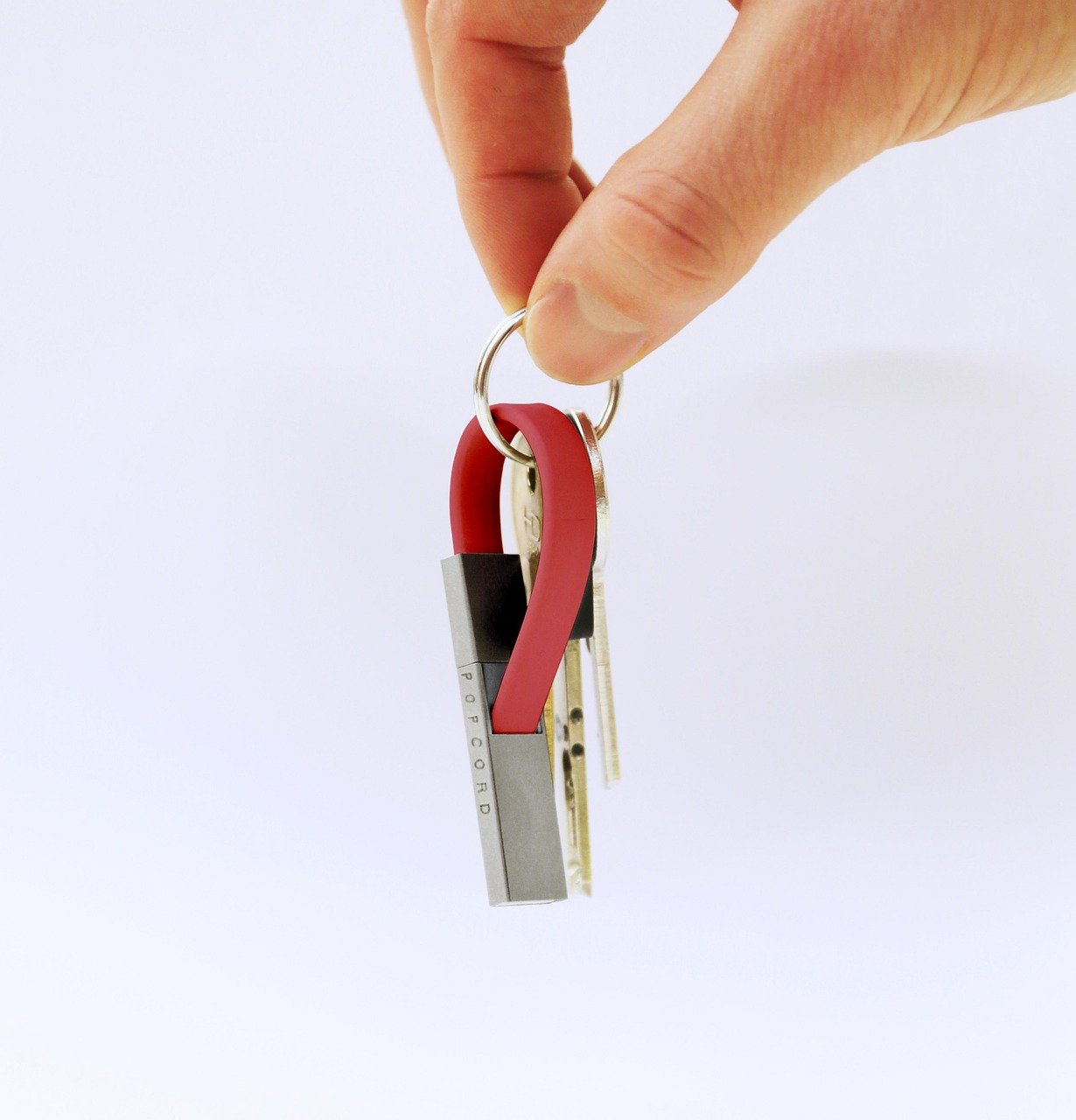
A cable that releases under a tug can spare a port—but its magnetic shortcut changes the risk profile.
A phone slips from a bedside table, the cable catches, and the connector detaches instead of levering against the charging socket. That is the appeal of a magnetic cable: fast one-handed attachment and a sacrificial breakaway point. Yet the same arrangement puts small exposed contacts, an adapter tip, and sometimes a proprietary power circuit between the charger and device.
Safety is not inherent in the magnet. A well-engineered model can carry its stated current reliably; a poorly made one can run hot, collect conductive debris, negotiate USB-C power incorrectly, or leave a tip that interferes with a case or port. Data capability varies just as sharply: many magnetic leads charge only, while others claim USB data transfer but may not preserve the full USB-C specification. The meaningful questions are which connector standard is actually supported, how power is limited and negotiated, whether the tip seats securely, and where the cable will be used—especially around metal filings, moisture, or frequent movement.
- USB-C devices rely on CC pins for power-role and current negotiation; magnetic designs that omit or miswire them can be incompatible.
- A protruding magnetic tip may reduce everyday port wear, but it can also change mechanical clearance and trap pocket debris.
“Magnetic” does not mean interchangeable
Detachable magnetic-tip cable
A small tip remains in a device port while the cable snaps onto it. Its pin count, polarity, and protocol support are proprietary to that tip family.
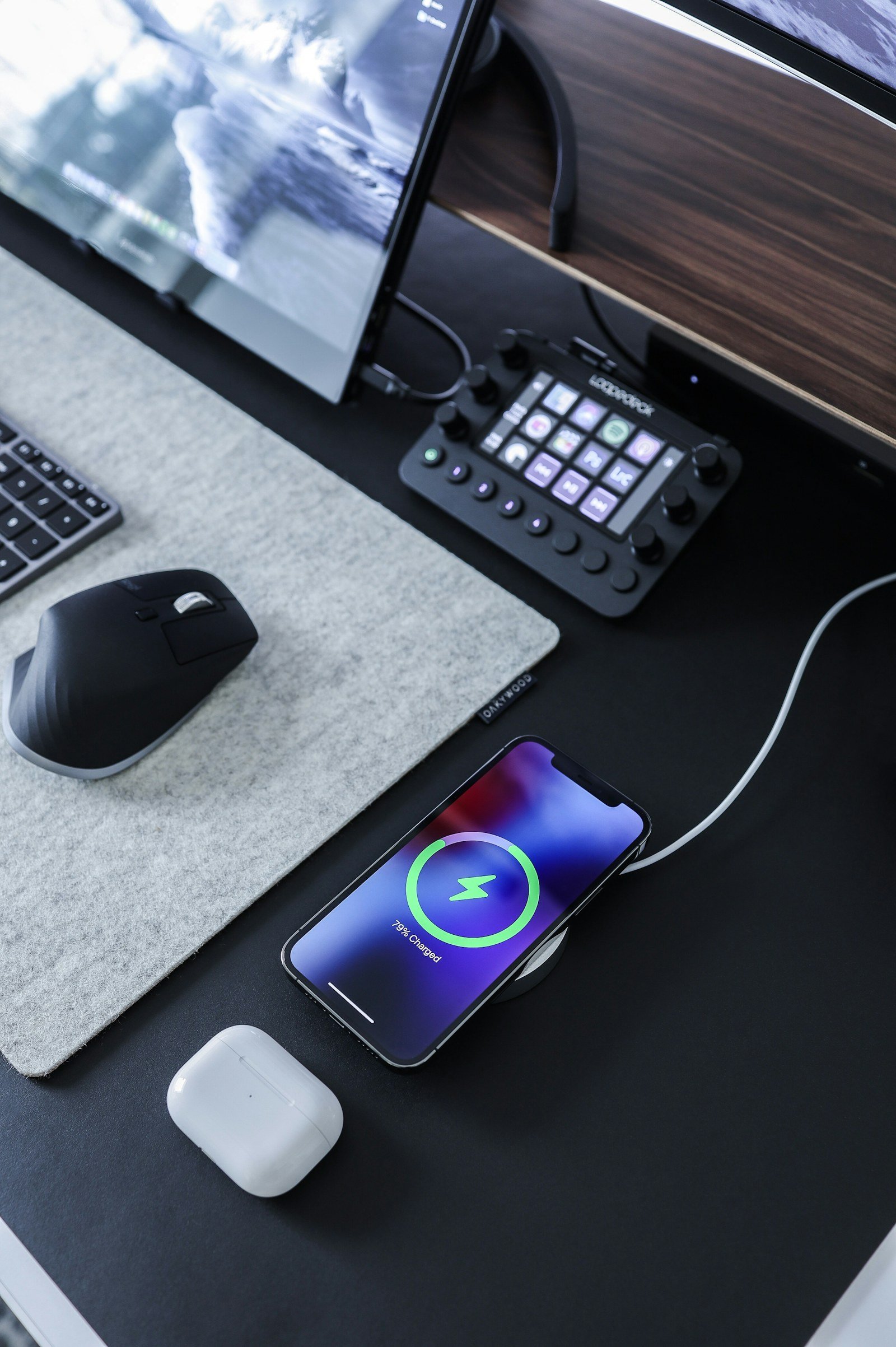
MagSafe-style wireless charging
Magnets align a charging puck with a coil behind the phone. Power crosses an inductive field; no exposed data pins or plug-in tip are involved.
Integrated magnetic connector
Some devices use a purpose-built magnetic port, such as a laptop charging connector. The device, charger, pin arrangement, and power negotiation are designed as one ecosystem.
USB-C with magnetic accessories
A USB-C port does not become universally magnetic when paired with an adapter. High-speed data, video, and USB Power Delivery may be absent or implemented differently.
Two tips that look nearly identical can route power and data differently. A cable may charge one device yet omit data transfer, fast charging, display output, or accessory support.
Tip shape, contact layout, device port, and the manufacturer’s stated capabilities are the meaningful compatibility checks. Magnetic attraction alone says almost nothing about electrical compatibility.
What actually makes a magnetic cable safe
A magnet does not inherently create an electrical hazard. It simply holds the connector in place. The meaningful risks begin at the power path: whether the source and device agree on a charging mode, whether conductors and contacts can carry that current, and whether heat is detected and controlled.
With USB-C Power Delivery, the charger and device negotiate voltage and current over the CC pins before higher-power charging begins. A magnetic adapter or detachable-tip cable must preserve that communication reliably. If it omits, misroutes, or intermittently loses CC connections, a device may fall back to slow charging—or behave unpredictably during reconnects. A cable cannot safely “force” a phone or laptop to accept more power than its design permits.
Why high-wattage claims deserve scrutiny
Heating rises sharply with contact resistance: power lost as heat is proportional to current squared. A tiny increase in resistance from small pins, weak plating, poor spring force, or contamination can become significant at 3 A or 5 A. Magnetic faces also concentrate several contacts in a small area, making clean alignment and solid contact pressure especially important.
A credible high-power USB-C product should provide more than a large wattage number on the box.
- Clear support for the relevant USB-C PD profile, not merely “fast charge.”
- An e-marker for cables claiming 5 A operation; 240 W USB-C EPR use also requires appropriately rated 50 V, 5 A hardware.
- Stated current rating, insulation quality, strain relief, and meaningful over-temperature or over-current protection.
- Independent USB-IF certification where available, or documentation that identifies the actual PD modes and limits.
Claims such as “100 W” or “240 W” can describe only the cable’s theoretical capacity. The charger, cable, magnetic interface, and receiving device must all support the same mode.
For laptops and other sustained loads, inspect the connector after several minutes of charging. Excessive warmth, repeated connect-disconnect behavior, charging that cycles, or discoloration suggests a poor connection or inadequate design. Disconnecting the cable and using a conventional, properly rated USB-C cable can help isolate whether the magnetic interface is the limiting component.
Exposed contacts are not a constant short-circuit risk
Most charging systems do not deliver full power until a valid connection is detected.
USB-C sources negotiate voltage and current; a momentary brush against a conductive object is not automatically catastrophic. Protection circuitry can limit or shut down a fault, but its response is not a substitute for a clean, intact connector.
Metal filings, pocket grit, and conductive debris can bridge closely spaced pads.
A partial bridge may create intermittent charging, resistance, localized heating, or repeated connect-disconnect cycles rather than a dramatic failure. Magnetic faces can collect ferrous particles particularly readily.
Loose engagement and worn plating can turn a working connection into a hot one.
High current through a small or unstable contact area increases resistance. Stop use when the tip or plug becomes unusually hot, charging cuts in and out, a burning smell appears, pads look dark or pitted, or the magnet no longer seats firmly.
Moisture can carry contaminants across exposed pads and accelerate corrosion, especially after a cable has been used outdoors or near spills. A visibly wet tip, residue on the pads, or unexplained warmth calls for disconnecting the cable and allowing the connector surfaces to dry and be inspected before further use.
Repeated thermal shutdowns, discoloration, or a connector that attracts embedded metal particles indicate that replacement is often safer than continued troubleshooting.
Data transfer and data blocking are different promises
A magnetic cable can be dependable for file transfer only when its connector, tip, and electronics expose the required USB data lines and maintain signal integrity. “USB 2.0” normally means a theoretical 480 Mb/s link—not a guarantee of that speed, nor support for USB 3.x, DisplayPort, or Thunderbolt.
A charging-only lead is a separate proposition. Properly designed, it omits or disconnects the USB data conductors, so a connected phone or accessory can receive power without presenting a conventional USB data path to an unknown port. That can reduce unwanted USB data access, but it does not make a public power source electrically risk-free: voltage quality, charging-protocol behavior, and cable construction still matter.
Match the cable to the job
Magnetic cables suit low-speed syncing, keyboards, and routine charging. Expectations should be lower for connections that depend on precisely controlled, high-bandwidth lanes:
- USB 2.0 transfer: feasible when explicitly supported, though real throughput is commonly lower than the headline rate.
- Video and high-speed USB: requires USB-C alternate-mode or USB 3.x wiring that many magnetic systems lack.
- Thunderbolt, docks, external SSDs, and displays: demand exact signal routing, shielding, power negotiation, and certification-level reliability.
For backups, firmware flashing, boot media, encrypted drives, or work that cannot tolerate a disconnect, a direct, standards-compliant cable remains the more dependable choice. Magnetic attachment adds another contact interface and a greater chance of brief interruption when bumped.
The breakaway benefit has limits
A magnetic lead earns its keep where a cable is routinely snagged: beside a bed, on a sofa, or at a crowded desk. A sideways pull can separate the coupling rather than levering directly on the device port. That is a meaningful mechanical advantage, but only when the tip is seated fully and the cable releases at a sensible force.
A poor-fitting tip changes the equation. It can sit proud of the port, rock under load, or lose contact when the device moves. Repeated off-axis attachment can also wear the tip’s alignment surfaces, while the permanently installed tip provides another place for lint, metal dust, and pocket debris to collect. Thick or tightly cut cases may prevent full engagement; removing the case or using a compatible case can reveal whether intermittent charging is a fit problem rather than an electrical one.
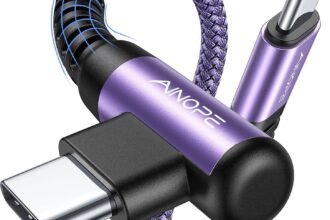
For a closer comparison of magnetic and right-angle cables for port safety, a right-angle plug is the simpler alternative. It lowers how far the cable protrudes and reduces bending leverage during handheld use, but remains physically locked into the port. It therefore helps with routine strain, not the sudden trip-or-snag event that a magnetic connection is designed to release from.
Practical distinction: magnetic cables trade connection consistency for a breakaway point; right-angle cables trade breakaway protection for a conventional, more predictable connector interface.
The interface wears first
The contact system is the wear item
A braided jacket can remain intact long after a magnetic cable has become unreliable. The real endurance test is the connector: spring pins must retain force and travel freely; contact plating must resist abrasion and fretting corrosion; and the cable-side strain relief must not let repeated flexing crack internal solder joints.
For durability concerns in magnetic cable designs, the detachable tip deserves as much scrutiny as the cable. Its shape and polarity are proprietary in many systems, so a lost, bent, or discontinued tip can make an otherwise healthy lead useless. Replacement tips from the same maker matter more than claims about braid material or pull strength.
Intermittence often appears before visible wear. A device that repeatedly starts and stops charging, changes its negotiated rate, or warms at the connector may be encountering higher contact resistance, contamination, weakened pins, or a partly detached conductor. Cleaning dry contacts and reseating the tip can isolate debris; recurring symptoms justify retiring the cable-and-tip pair. A sound magnetic connection holds steady under gentle movement, rather than requiring a particular angle.
Match the cable to the job, not the magnet
-
Identify the port and connector family
Confirm the device end, charger end, case clearance, and whether the magnetic tip is unique to one brand. A USB-C-shaped magnetic tip is not necessarily compatible with another USB-C magnetic system.
-
Separate charging needs from data needs
For charging-only devices, a deliberately data-blocking cable can be appropriate. File transfer, CarPlay/Android Auto, peripherals, video output, docks, and recovery tools require explicitly documented data support; many magnetic systems provide only USB 2.0, if any.
-
Check the entire power path
Match the charger, cable, magnetic adapter, and device to the intended charging standard and wattage. Higher-power USB-C PD use, especially laptops, calls for a clearly rated 5 A e-marked cable where applicable and an adapter that states its PD capabilities rather than merely a wattage claim.
-
Treat missing documentation as a warning
Look for the supported USB version, PD profiles, current rating, thermal protections, and model compatibility in written specifications. Vague listings such as “fast charge” or “universal” do not establish safe negotiation or reliable data behavior.
-
Use conventional hardware for demanding links
Manufacturer-supplied or appropriately certified conventional USB-C hardware is often the simpler option for laptops, docking stations, external drives, displays, and other mission-critical connections. Fewer interfaces mean fewer contact-resistance and protocol-compatibility variables.
-
Keep contacts clean and monitor behavior
Inspect spring pins and tips for lint, discoloration, looseness, or heat. Intermittent charging, repeated connect-disconnect sounds, unexpected slow charging, or a warm connector are reasons to stop relying on that cable until the contact surfaces and ratings are checked.
Convenience Is Worth Selecting Carefully
- Treat the magnetic tip, cable, and charger as one rated system rather than interchangeable parts.
- Keep a conventional certified cable for high-power, display, docking, and irreplaceable-data tasks.
A well-made, correctly matched magnetic cable can be a sensible everyday option for routine charging, particularly where reducing snag stress matters. Its safety depends on documented electrical ratings, clean and firmly seated contacts, and a job that stays within its power and data limits.
It belongs in an intentional everyday-carry technology accessories checklist, not as a universal replacement for every USB-C lead. Standard certified cables remain the more predictable choice for demanding PD loads, video, docks, and critical transfers.