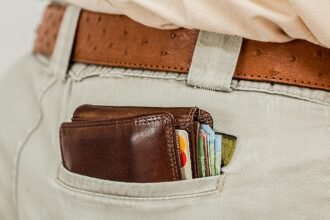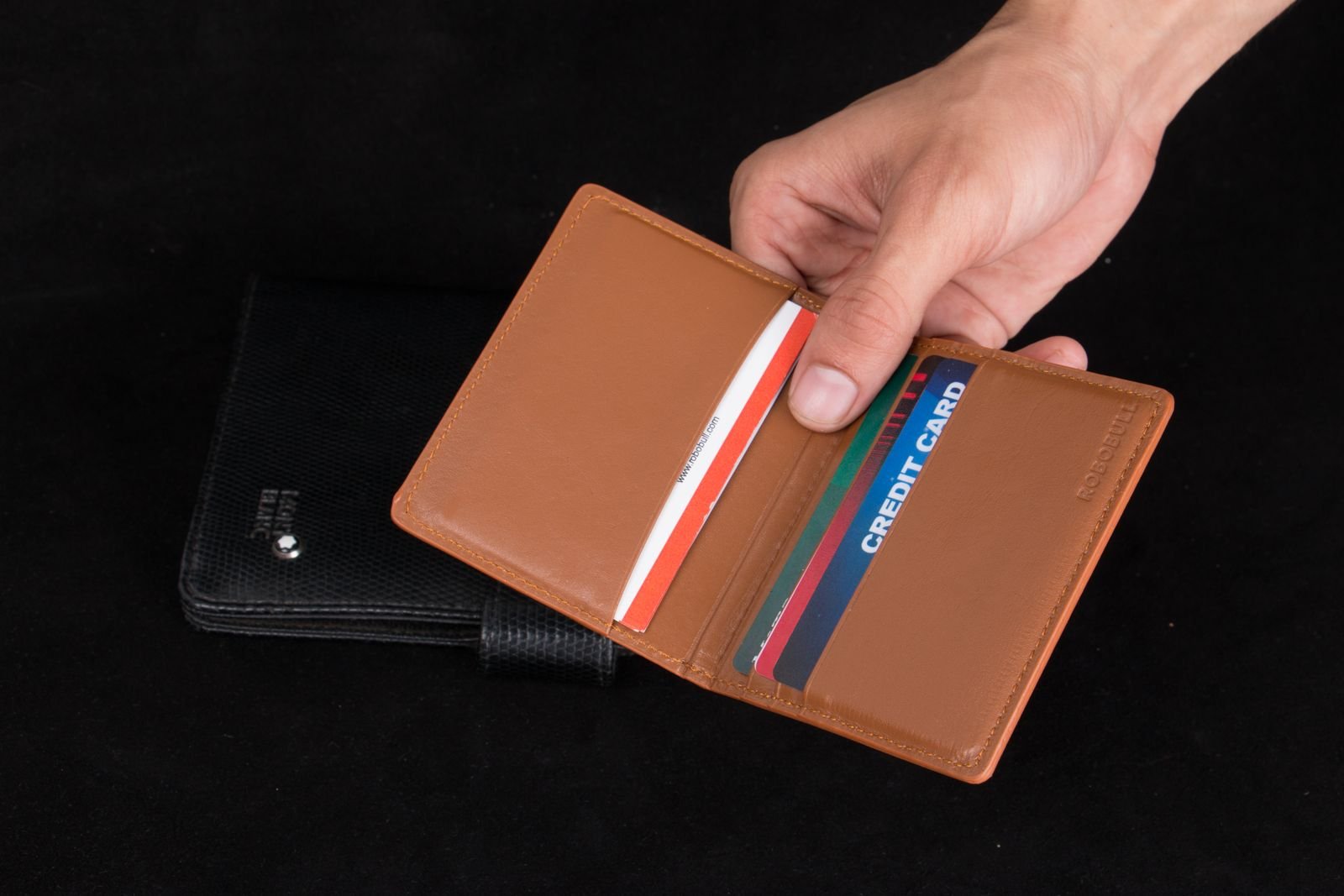
A card that has started creeping out is already at risk of being lost.
If a card corner appears after the holder is lifted, tilted, or removed from a pocket, stop carrying it as usual. Transfer payment cards, identification, and access badges to a zipped pouch, closed wallet, or another holder that keeps them fully enclosed.
Keep essential cards separate from nonessential ones until the fault is identified. A digital wallet may reduce reliance on a payment card, but it does not protect physical identification or building-access credentials.
Avoid repeatedly shaking or inverting the holder to “check” retention, especially over streets, drains, public transport, or other hard-to-recover areas. Tape, glue, and improvised sticky liners can contaminate cards or conceal worsening wear; use secure temporary containment instead.
Diagnose broad slippage
When the entire stack slides rather than one card working free, first check capacity and loading. Find the exact model’s stated minimum and maximum on the maker’s product page, packaging, or manual. Similar-looking versions may have different ranges, so the model name matters.
Use the card count specified for secure retention, not a supposedly ideal number for every holder. An underfilled elastic sleeve may lack compression, while overfilling can stretch fabric, strain seams, or prevent a clamp from closing correctly.
Reload before judging the mechanism:
- Remove receipts, folded cash, and cards with peeling overlays.
- Align cards in the intended orientation and seat them fully.
- Keep unusually thick or embossed cards within any limits stated by the maker.
- Confirm that adjustable screws, straps, or closures are engaged as instructed.
Test over a bed or padded table. Turn the closed holder opening-down, then apply a few gentle shakes—no whipping or hard impacts. Repeat with card counts inside the published range. Record whether the whole stack moves, only the outer card moves, or retention changes sharply at a particular count.
If correctly loaded cards still release during gentle testing, inspect for stretched elastic, polished contact surfaces, debris, loose hardware, or a weakened spring. Do not bend clips or springs beyond the maker’s instructions; replacement may be safer than improvised tightening.
When leather no longer holds its shape
Leather is likely permanently stretched or misshapen when the empty pocket remains bowed, cards sit unevenly, or the opening does not recover after the holder rests unloaded for 24–48 hours. Compare both sides: a pocket that looks wider, twisted, or creased differently from its matching pocket has probably undergone structural deformation rather than ordinary break-in.
Conservative care starts with the maker’s instructions. Remove the cards, wipe away surface dirt with a soft dry cloth, and let damp leather dry naturally at room temperature. If conditioning is permitted, use a small amount of a leather-compatible product; conditioner may reduce dryness, but it does not reliably restore stretched fibers and can soften an already loose pocket.
Avoid forced-shrinking methods such as soaking, boiling water, hair dryers, ovens, radiators, or heavy clamping. Leather-conservation guidance warns that excess water and heat can cause hardening, uneven shrinkage, dye movement, cracking, and adhesive failure. For safer options, see methods for addressing a stretched leather card holder.
When repair is necessary
Stop using the pocket and seek a leatherworker or the manufacturer when:
- stitching is loose, cut, or pulling through the leather;
- the lining has detached, folded, or become slippery;
- an internal divider has torn or collapsed;
- the pocket edge has split or no longer lies flat.
These faults require reconstruction, restitching, or replacement—not more conditioner. Until repaired, cards should remain in an enclosed holder.
A structurally damaged pocket can release cards without warning. Use blank cards only for post-repair fit checks.
When elastic or fabric loses tension
Elastic and woven sleeves may appear intact even after their holding force has weakened. First, remove every card and inspect the empty holder under good light. Permanent ripples, a gaping opening, frayed edges, loose stitching, or fabric that remains stretched point to material wear rather than incorrect loading.
Reinsert only the card count and orientation specified by the maker. A loading problem is more likely when the pocket lies flat while empty, grips properly at its stated capacity, and becomes loose only with too few, overly thin, or incorrectly seated cards. Worn elastic, by contrast, shows poor rebound: after a card is removed, the opening closes slowly or not at all.
For repair, favor:
- A manufacturer-approved replacement band, sleeve, or insert, when available.
- A qualified leatherworker, tailor, or gear-repair service that can replace the elastic and reproduce the original seam placement.
- Full holder replacement when fabric is thinning, several seams are failing, or the attachment points are distorted.
Repeated patching is less dependable when new stitches must pass through weakened material. Added stitch holes can enlarge tears, while adhesive-backed patches may stiffen the pocket without restoring tension. If a repaired sleeve quickly develops slack again, replacement is generally the more reliable course.
Inspect rigid-holder hardware
Rigid metal or polymer holders can lose retention when debris obstructs the card channel, a fastener backs out, or a tension component shifts. Empty the holder before inspection so cards cannot mask a fault or be damaged by a moving mechanism.
Check the retention system
Under bright light, inspect each contact point and card path. Compare both sides where the design is symmetrical.
- Remove lint, grit, and paper fragments with a soft brush or compressed air used according to the manufacturer’s directions.
- Check screws for movement, uneven seating, or missing hardware. Tighten only to the maker’s specified method or torque; excessive force can strip threads or crack the shell.
- Examine clips for looseness, bending, and contact with the card channel. A displaced clip can distort the holder or interfere with card seating.
- Look for bowed plates, spreading seams, cracked polymer, enlarged rivet holes, or tension arms that no longer sit evenly.
Test an ejector carefully
With the holder empty, operate the ejector slowly. Binding, grinding, uneven travel, incomplete return, or a lever that sits off-center can indicate debris or internal damage. After cleaning, test with the card quantity and type permitted by the manufacturer—never force an overloaded stack through the mechanism.
Avoid oils, generic thread-locking compounds, bending tools, or disassembly unless the care instructions expressly allow them. These interventions can attract dirt, alter tolerances, or affect warranty coverage.
A broken spring, loose rivet, cracked tension arm, or jammed ejector generally calls for manufacturer or warranty service. Transfer the cards to an enclosed carrier until repair or replacement is complete.
When one card will not stay put
If standard bank cards remain secure while one item slips out, compare the problem card with them. Thickness, surface texture, and shape all affect friction and contact pressure.
Common troublemakers include:
- unusually thin access, transit, hotel, or paper-laminated cards;
- slick metal, polished plastic, or low-friction finishes;
- embossed characters that prevent even contact;
- peeling laminate, split edges, or curled corners;
- cards warped by heat, moisture, or repeated flexing;
- nonstandard key cards, permits, or identification documents.
Do not overfill the holder to compensate. That can stretch leather or elastic and may weaken retention for every card. Instead, place the unusual card in a snug, fully enclosed pocket or a sleeve sized specifically for its dimensions. A thin card sleeve may add useful friction, but it should not interfere with chip readers, magnetic stripes, contactless operation, or machine-fed scanners.
Damaged payment cards, driver’s licenses, access credentials, and other official cards should be replaced through the issuer. Tape, glue, and adhesive film are poor repairs: they can lift, collect grit, jam readers, conceal further cracking, or change the card’s thickness unevenly.
If cards escape only during carry
A holder that passes an inversion test may still release cards in a pocket. Walking can work an exposed edge upward, while sitting can bend a soft holder or press clothing against an ejector button. Keys, coins, pocket clips, and folded fabric may also catch a card corner.
Recreate the failure cautiously
Use expired or replaceable cards for the test, and begin over carpet or another clean, soft surface. Load the holder normally, then:
- Walk, climb a few steps, and sit down slowly.
- Repeat with the pocket otherwise empty.
- Check whether a seam, tight waistband, or chair pressure contacts the release control.
- Rotate the holder or move it to another suitable pocket, then repeat.
Change only one condition at a time. This helps distinguish pressure on the holder from another object snagging the cards.
Adjust the carry setup
Keep hard or clipped objects in a separate pocket when they can catch exposed edges. If tight clothing compresses the holder, a roomier pocket or different garment may reduce pressure. For broader placement considerations, consult the guide to carrying a wallet in a front pocket.
No pocket position works for every holder, garment, and body shape. After any change, repeat the walk-and-sit check several times before carrying important cards. If the release still activates or cards continue creeping out, stop carrying that holder and seek manufacturer support or replacement.
Adjust, repair, or replace the holder?
-
Test ordinary handling
Load the normal card set, then walk, sit, bend, and remove the holder from its usual pocket or bag. Any card that rises or escapes during these movements indicates unresolved retention failure.
-
Adjust only when the holder is sound
Reseat cards, restore the intended card count, and tighten manufacturer-approved fasteners. Adjustment is reasonable only when seams, elastic, clips, and the body show no damage.
-
Repair isolated, serviceable faults
Repair may suit a replaceable screw, clip, or elastic component when the maker supplies the correct part or procedure. Retest after repair; continued movement ends the repair attempt.
-
Replace at clear failure points
Replace the holder when seams separate, hardware cracks, material stays stretched, or cards still shift after proper adjustment. Daily reliance on rubber bands, tape, careful orientation, or repeated tightening also signals replacement.
-
Choose for actual carry
Match the replacement to the regular card count, material, access style, and real pocket or bag position. Compare slim wallets designed around card retention by function rather than appearance alone.
A sound holder may need only correct loading or approved adjustment. Structural damage, recurring slippage, or routine workarounds justify replacement; select the next holder around actual cards and carrying conditions.