An RFID-blocking wallet can turn a routine tap into an awkward pause.
The terminal stays silent while the payment card remains inside a closed blocking wallet—then approves the same card as soon as it is removed. That is expected behavior, not a faulty card.
Contactless payment depends on a short-range radio exchange between the card and terminal. RFID-blocking material is intended to interrupt that exchange. In most cases, shielding blocks the tap only while the card is enclosed; it does not switch off, erase, or permanently damage the card. Removing the card from the shield should allow contactless payment to work normally, assuming the card and terminal support it.
What the checkout behavior means
- Partial shielding Gaps, open edges, or incomplete coverage may occasionally let a card respond, so tapping through a blocking wallet can be inconsistent.
- Card collision Several contactless cards presented together can interfere with card selection, even without blocking material.
- Reliable fallback For predictable payment, remove the intended card and hold it near the terminal’s contactless symbol. If tapping still fails, use the chip and contact the issuer if failures continue.
How RFID shielding blocks a payment card
Most contactless credit and debit cards use near-field communication (NFC) at 13.56 MHz, typically following the ISO/IEC 14443 contactless-card standard. NFC is part of the broader RFID family, but “RFID” also includes systems operating at other frequencies. A shield designed only for low-frequency access tags or UHF inventory labels may not reliably affect a payment card.
The reader powers the exchange
A passive payment card does not need its own battery. The checkout terminal creates a changing electromagnetic field; the card’s antenna couples with that field and harvests enough energy to activate its chip. The card then communicates with the terminal through changes in that coupled field.
The operating distance is intentionally short. Even so, the card and reader need adequate coupling for the transaction to begin and continue.
Conductive layers interrupt the link
RFID-blocking sleeves and wallets usually place conductive material—such as metal foil, mesh, or metal-infused fabric—around the card. This layer can weaken the reader’s field, alter the card antenna’s tuning, or prevent the response from reaching the terminal. If communication falls below the required level, the terminal cannot complete the contactless exchange.
Effectiveness depends on two practical details:
- Frequency coverage: The shield should specifically cover 13.56 MHz NFC/contactless cards.
- Complete enclosure: Exposed edges, open pockets, worn seams, or partial coverage can allow enough coupling for inconsistent reads.
A blocked card should work normally after removal from the shield and placement close to the terminal. If it does not, the issue may instead involve terminal support, card settings, damage, or issuer restrictions.
What happens at the terminal
A blocking wallet can stop contactless payment while the card remains shielded, yet allow normal use once the card is presented by itself. The outcome depends on how completely the conductive layer surrounds the card and whether other cards enter the reader’s field.
| Card position | Expected checkout result |
|---|---|
| Fully enclosed | The terminal will generally fail to detect the card. This suggests the shielding is working as intended. |
| Partly exposed | Payment may work intermittently. Even a small exposed section can allow enough coupling for the card antenna to respond. |
| Removed and presented alone | Tap-to-pay should normally proceed, assuming the card, terminal, and account are functioning. |
| Presented with other contactless cards | The terminal may reject the tap, request one card, or detect an unintended card. This is card collision, not necessarily shielding failure. |
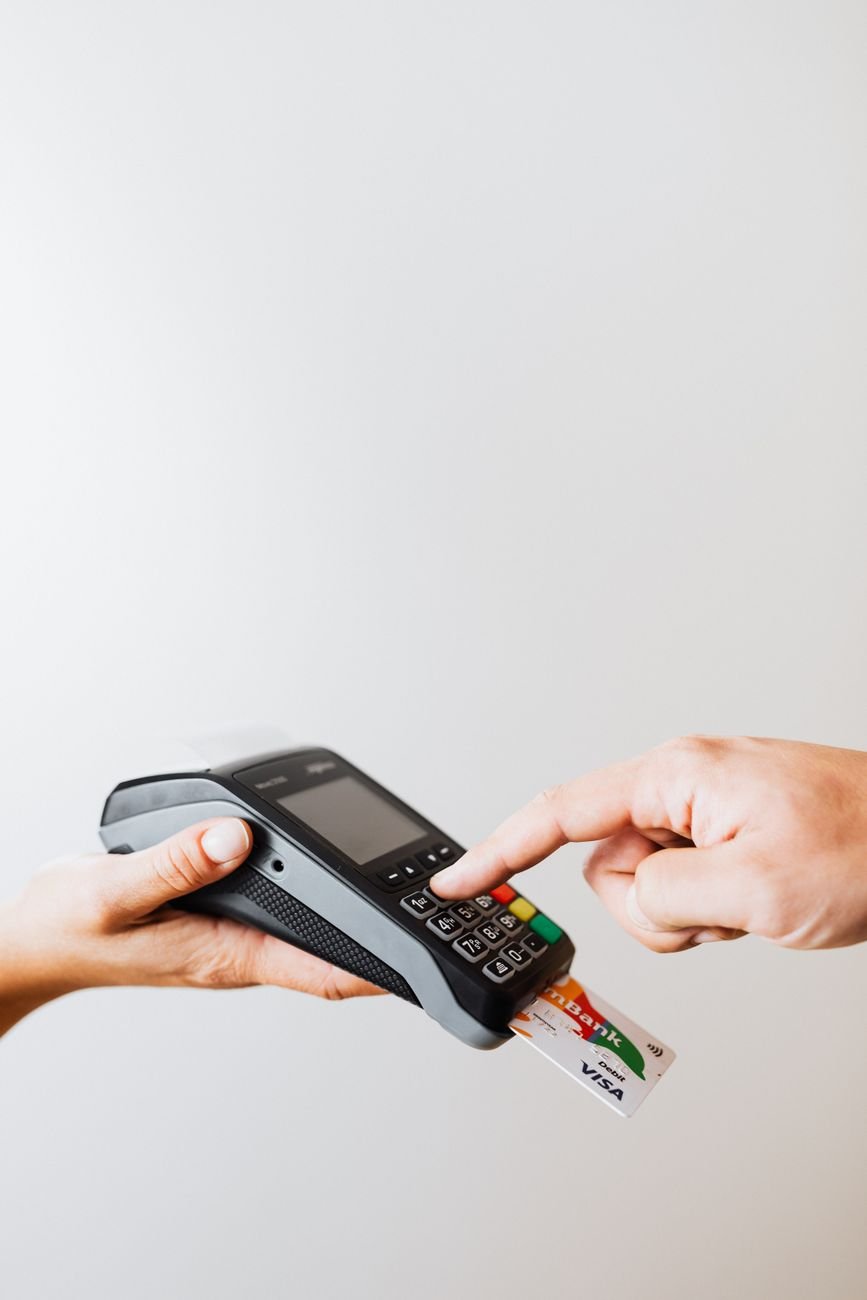
For a cleaner diagnosis, remove one card, hold it flat against the terminal’s contactless symbol, and keep the wallet and other cards several inches away. If that works consistently, failed through-wallet taps are more likely caused by shielding or card overlap than by a defective payment card.
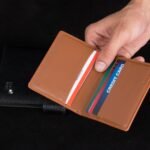
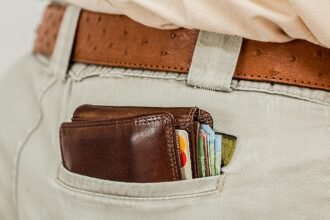
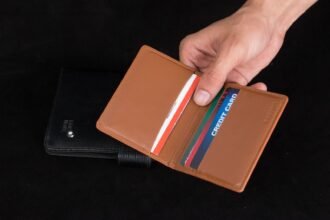
Wallet layout also matters. A dedicated quick-access slot makes it easier to extract and present one card without exposing the rest. ID-window wallet designs and contactless-card access can vary, so an ID window should not be assumed to provide either reliable shielding or reliable tap-through performance.
Why shielding works inconsistently
An “RFID-blocking” label does not necessarily mean every pocket forms a complete shield. Some wallets use conductive material on only one side; others leave openings around seams, folds, zippers, or card slots. A card near one of those gaps may still couple with a terminal, especially when held directly against the reader.
Common weak points include:
- Unprotected compartments: The lining may cover the main card stack but not an outer or quick-access slot.
- Card placement: A card beside an opening—or facing the unshielded side—may remain readable.
- Wear and damage: Repeated folding can crack coatings, separate layers, or weaken conductive fabric at creases.
- Incomplete closure: An open wallet or sleeve exposes a larger path for the reader’s field.
- Extreme proximity: Very close placement may overcome marginal attenuation, producing intermittent rather than reliable blocking.
Marketing deserves similar scrutiny. “RFID protection” is vague unless the maker identifies 13.56 MHz, the frequency used by NFC payment cards, or cites testing for ISO/IEC 14443 card communication. Coverage limited to 125 kHz access cards or UHF inventory tags does not establish tap-to-pay blocking.
When comparing features beyond wallet shape, stronger evidence includes a named test laboratory, documented frequencies, multiple card orientations, stated reader distances, and testing after flexing or abrasion. A dramatic single-reader demonstration is less informative because terminal power, antenna design, wallet position, and closure can all affect the outcome.
Remove other contactless cards, fully close the wallet, and present each compartment in several orientations. If one slot reads consistently while others do not, the issue is more likely coverage or construction than the payment card itself.
Cards, phones, and watches behave independently
Shielding a physical card does not automatically disable tap-to-pay on a separately held phone or smartwatch. The wallet blocks radio communication with the card inside; the mobile device uses its own NFC antenna and payment credentials.
An ordinary phone case generally leaves NFC usable, although thick materials, metal plates, attached card holders, or poor terminal alignment may reduce reliability. Antenna position varies by device—often near the upper back of a phone—so moving that area close to the terminal can help. Smartwatches usually need the display side held near the reader.
Mobile wallets also behave differently because payment commonly requires device authentication, such as a passcode, fingerprint, face recognition, or an unlocked watch. Some transit or express-payment settings may allow limited transactions without the usual prompt.
A shielded phone pouch can have broader effects if its conductive enclosure is designed to attenuate cellular, Wi-Fi, Bluetooth, or GPS signals. By contrast, an NFC-blocking card sleeve is not automatically a Bluetooth or GPS blocker. That distinction matters with slim AirTag wallets that also include RFID protection: the card shield may stop NFC reads while the tracker continues communicating through Bluetooth or ultra-wideband.
Recover from a failed contactless payment
- Remove one payment card
Take the card completely out of the shielded slot or wallet. Leaving part of it inside may still weaken communication with the terminal.
- Clear away other cards and the wallet
Keep the selected card separate from the wallet, identification cards, transit passes, and other contactless cards. This prevents the reader from detecting competing credentials.
- Align the card with the reader
Place the card flat against or very close to the terminal’s contactless symbol. Hold it still for a moment rather than waving or quickly tapping it.
- Follow the terminal prompts
Wait for an approval, decline, or retry message before moving the card. If prompted for a PIN, signature, or another verification step, complete it as directed.
- Insert the chip if tapping still fails
Use the same card’s chip when the terminal requests insertion or repeated contactless attempts do not work. If necessary, use another payment method and investigate the card later.
Removing several cards together is not a reliable workaround; the terminal may reject the transaction because it detects more than one contactless card.
If the exposed card repeatedly fails at different terminals, the cause may be card damage, disabled contactless service, or an issuer verification requirement. Check the banking app for alerts or card controls, then contact the issuer if the problem continues. A chip that also fails may indicate that the physical card needs replacement.
Three RFID-blocking claims worth questioning
A passive payment card normally responds only when a compatible reader energizes it at very close range.
It is not a powered tracker continuously transmitting from a pocket. EMVCo’s contactless-payment information explains the reader-and-card interaction behind a tap.
Shielding may reduce unauthorized contactless reads while the card is enclosed, but it does not stop every route to fraud.
It cannot prevent misuse of stolen card details, phishing, merchant breaches, account takeover, or transactions made after the card is removed. Issuer alerts, card controls, and prompt reporting remain more broadly useful; FTC consumer guidance covers steps after loss or identity theft.
Performance depends on conductive coverage, seam design, card position, closure, wear, and the frequencies addressed—not simply the presence of metal.
A wallet also needs to work as a wallet. Compare shielding claims with card organization, quick access, carrying comfort, and practical front-pocket wallet features.
Choose around daily use first: secure card retention, manageable bulk, easy access, and comfortable carry. If RFID blocking matters, look for clearly stated test frequencies and coverage details rather than relying on an unqualified “RFID safe” label.
-
Choose the intended checkout behavior
A card kept inside a shielded compartment generally should not remain tappable. For a more predictable payment, remove one card rather than presenting the entire wallet, which may expose multiple cards.
-
Identify every protected compartment
Check the manufacturer’s instructions for exactly which pockets are shielded. A wallet may combine protected card slots with an unshielded ID window, cash section, or exterior pocket.
-
Look for relevant coverage
Prefer documentation that explicitly mentions 13.56 MHz, NFC, contactless payment cards, or ISO/IEC 14443. A named independent laboratory report provides more useful evidence than a broad “RFID blocking” label.
-
Treat reader checks as limited evidence
Test each claimed slot with one card fully inserted. A failed read on one phone or reader confirms only that position and setup; it does not prove performance across every terminal, angle, gap, or stage of wear.
-
Confirm clean card removal
The selected card should slide out without pulling adjacent cards along or requiring the whole wallet near the terminal. Reinsert it fully after payment so no edge remains exposed.
Match the shielding to the payment routine
- Use a consistent slot for the primary payment card.
- Repeat the slot check after visible wear, stretching, or seam damage.
Effective shielding generally stops tap-to-pay only while the card remains fully inside the protected area. Confirm which compartments are protected, whether the stated coverage applies to contactless cards, and whether one card can be removed without exposing the rest.
At checkout, presenting a single removed card is usually more predictable than tapping the entire wallet.