A tidy pouch fails the moment one charging cable drags every other cord out with it.
Pull one connector from a packed pouch, and a knotted bundle often follows. The usual cause is not a lack of cable ties; it is uncontrolled loops crossing over plugs, adapters, and neighboring cords. Those exposed snag points let one cable capture another during removal.
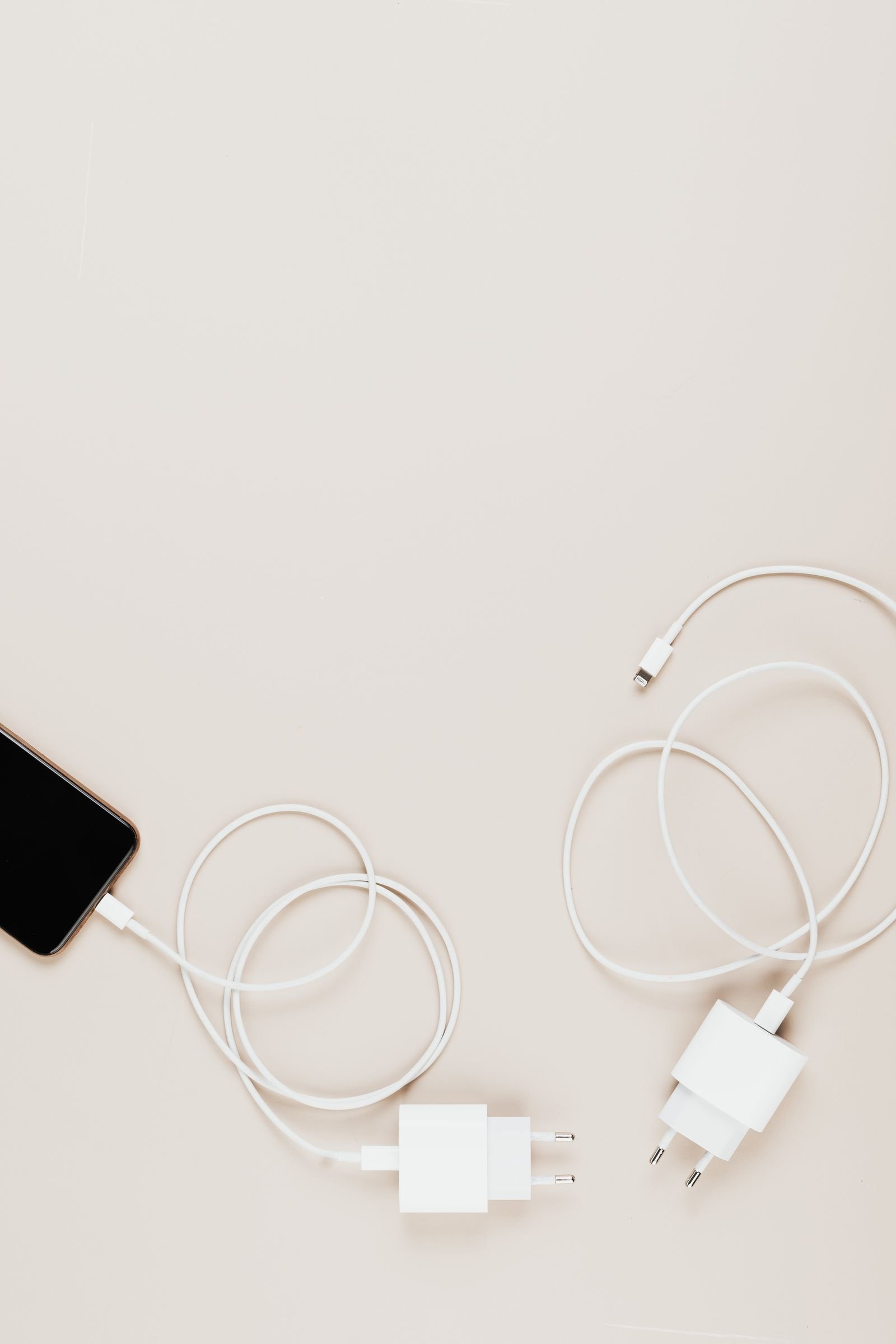
A more reliable setup gives each cable a compact, repeatable shape and a fixed place inside the pouch. Loops should be broad enough to avoid sharp bends, while connectors stay contained rather than dangling through adjacent bundles. Separate pockets, elastic keepers, or dividers can then isolate cords by function or frequency of use. The goal is simple: each item should leave the pouch without disturbing the rest.
- If a connector can slip through another cable’s loop, the bundles need better separation.
- Store frequently used cables nearest the opening so they cross fewer items during removal.
Remove cables that do not earn their space
Empty the pouch and assign every cable to a specific device or charging role. A cable kept “just in case” should still match equipment carried on the day or trip.
Sort the pile in three passes:
- Connector: Group USB-C, Lightning, Micro-USB, and proprietary leads separately. Set aside connectors that no current device uses.
- Length: Keep shorter cables for power banks or nearby outlets; reserve longer leads only when the itinerary makes the extra reach useful.
- Device: Confirm that each phone, laptop, watch, camera, or accessory has the necessary compatible cable.
Next, inspect the remaining leads for cracked insulation, exposed conductors, bent plugs, looseness, or intermittent charging. Damaged cables should leave the pouch and be replaced rather than packed as backups.
Finally, remove unjustified duplicates. One primary cable and a backup may be sensible for an essential device on a longer trip, while three identical leads for a routine commute usually add bulk without adding much resilience.
Check capacity before arranging the load
Load the pouch with every cable, adapter, charger, and power bank intended for daily carry. Close it without compressing the contents. A zipper that requires pressure, bulging side panels, or connectors pressing against the shell suggests that the pouch lacks usable depth—even if everything technically fits.
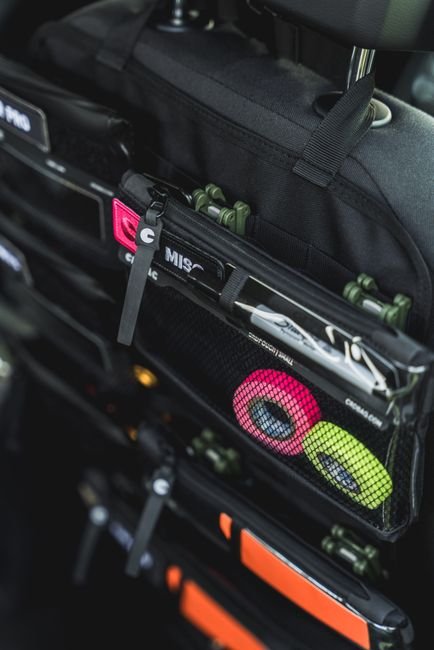
When selecting or replacing it, choose an EDC pouch sized for the actual gear[/nodelink id="1"], not merely its listed item count. Internal dimensions, gusset depth, and divider placement matter more than the number of elastic loops.
Protect the access path
Place frequently used cables where they can be removed in one motion, such as an outer pocket, top elastic row, or unobstructed compartment. Less-used adapters and backup cables can sit deeper in the pouch.
Check the layout with a simple removal test:
- Open the pouch in its normal carrying position.
- Remove the most-used cable without lifting another item.
- Return it without uncoiling neighboring cables.
- Repeat with the second-most-used cable.
If either cable catches, rearrange the dividers or reduce the load. Keep bulky wall chargers and power banks separate from soft cable coils where possible; this limits crushing and prevents heavy items from shifting into the retrieval path.
Straighten and inspect every cable
Disconnect each cable at both ends, then remove existing knots and twists on a flat surface. Rotate the free connector through a loop rather than pulling the loop tight; hard pulling can concentrate stress near the connector.
Inspect the entire cable under good light, paying particular attention to the first few centimeters beside each plug. Check for:
- Split, frayed, crushed, or sharply creased insulation
- Exposed wire or areas covered by makeshift tape repairs
- Strain reliefs that are cracked, separated, or unusually flexible
- Loose, bent, corroded, or discolored connector housings
- Debris or damaged contacts inside the connector
Set aside any cable that disconnects intermittently, becomes unusually warm, or works only when held at an angle. Apple’s published safety guidance cautions that using damaged cables can cause electric shock, fire, injury, or property damage; the U.S. Consumer Product Safety Commission likewise advises replacing damaged electrical cords rather than repairing them with tape.
A tidy coil can conceal a split jacket or failing strain relief. Questionable cables should be removed from service, labeled for proper recycling or disposal, and replaced with a cable specified for the device.
Fold each cable into a loose figure eight
- Start with the cable relaxed
Lay the cable flat and let its natural curve remain. Keep both connector housings outside the fold rather than burying them in the middle.
- Form the first broad loop
Guide one side into a wide curve without pulling against the strain relief. Follow any minimum bend radius or storage instructions provided by the manufacturer.
- Cross and reverse direction
Bring the cable across the center, then form an equally loose loop on the opposite side. This figure-eight path alternates the bends instead of adding twist in one direction.
- Repeat without tightening
Continue alternating sides until only short connector tails remain. The finished bundle should lie flat without sharp corners, jacket flattening, or spring-loaded loops.
- Secure the crossing point
Fasten the center lightly with a hook-and-loop tie, then position both connectors where they can be identified and removed without opening the entire bundle. For very short cords, use one broad U-fold instead.
Avoid wrapping cables tightly around a charger, hand, or other narrow form; concentrated bends can stress the jacket and strain reliefs.
A cable that springs back, kinks, or twists at the connector is being forced against its natural lay. Unfold it, release the twist, and rebuild the figure eight with broader curves.
Secure each bundle without pinching it
Wrap the center of each figure eight with a soft, reusable restraint, such as a hook-and-loop cable tie or flexible silicone band. Tighten it only until the two sides stay together; the cable should not be compressed or visibly indented.
Place the restraint on a straight section of cable rather than over a connector neck or strain relief. Leave the connector tails outside the wrap so they remain easy to identify and do not become trapped beneath neighboring coils. Pouches included in EDC cable organizer recommendations may provide elastic loops, but those loops should also hold the bundle without forcing a sharp bend.
Avoid methods that concentrate pressure or complicate removal:
- Knots tied in the cable itself
- Thin wire or sharp-edged twist ties
- Rubber bands that pinch tightly
- Multiple wraps pulled hard around the bundle
After fastening, lift the bundle by its restraint. If the fold shifts, tighten slightly; if the jacket flattens or bends abruptly, loosen it.
The reinforced section beside a connector is designed to manage bending, not serve as an anchor point. Position every tie farther along the cable jacket.
Isolate connectors and small accessories
Loose adapters, dongles, and removable tips can slip through cable bundles and catch on exposed loops. Place them in a small zippered pocket or rigid mini case, rather than under an elastic strap beside coiled cables.
Cover metal connector ends with fitted caps when available. Otherwise, position each cable so its plugs face the pouch edge or sit inside a soft sleeve; avoid sharp folds at the strain relief.
If the pouch may encounter rain, protect charging gear from moisture with a sealed inner bag or appropriately rated case. Do not trap damp accessories in an airtight compartment—allow them to dry fully before storage or use.
Disconnect wet charging gear from power. Follow the device manufacturer’s drying guidance, and check contacts for residue or corrosion before reconnecting.
Give every bundle a fixed position
Lay restrained bundles flat and side by side rather than stacking them. A single layer makes connectors easier to identify and reduces the pressure that heavy items can place on cable jackets. Use elastic loops, dividers, or individual pockets to create a layout that speeds cable access.
Assign positions by function: phone cable on one side, laptop cable in the center, and accessory leads in a small pocket. Frequently used bundles belong nearest the opening; occasional-use cables can sit deeper in the pouch.
Keep power banks, wall chargers, and bulky adapters away from delicate connector ends. If the pouch lacks a padded divider, place heavy gear in a separate compartment or a small protective sleeve so it cannot shift onto plugs during transport.
Before closing the pouch, apply one memorable rule: one restrained bundle, one location, no loose tail.
- Tuck each connector tail under its tie or into an adjacent elastic loop.
- Keep every figure-eight bundle fully inside its assigned boundary.
- Turn plugs inward so metal ends do not press against the zipper.
- Shake the closed pouch gently; movement indicates that an item needs tighter positioning, not a tighter cable tie.
Test the layout and reset it
Close the pouch, hold it in its normal carrying orientation, and move it gently from side to side. Reopen it and remove each cable individually, starting with the most frequently used. A neighboring bundle should remain seated; if it rises, rotates, or follows the selected cable, the two items are overlapping or sharing a snag point.
Correct the problem by changing the bundle’s orientation, moving its tie away from adjacent loops, or assigning it a less crowded position. Repeat the closed-pouch check after each adjustment rather than assuming the new layout works.
Make the reset automatic
After every use:
- Disconnect the cable by gripping the connector housing, not pulling the cord.
- Restore the loose figure-eight bundle and refasten its tie.
- Return it to its assigned position with connector ends contained.
- Remove receipts, adapters, or other loose items that could migrate into cable loops.
This brief reset preserves the tested arrangement between trips.
Tangles are largely a length problem. The compact options in pocket cable organizers for small EDC sidestep the loop question by carrying shorter cables in the first place.