
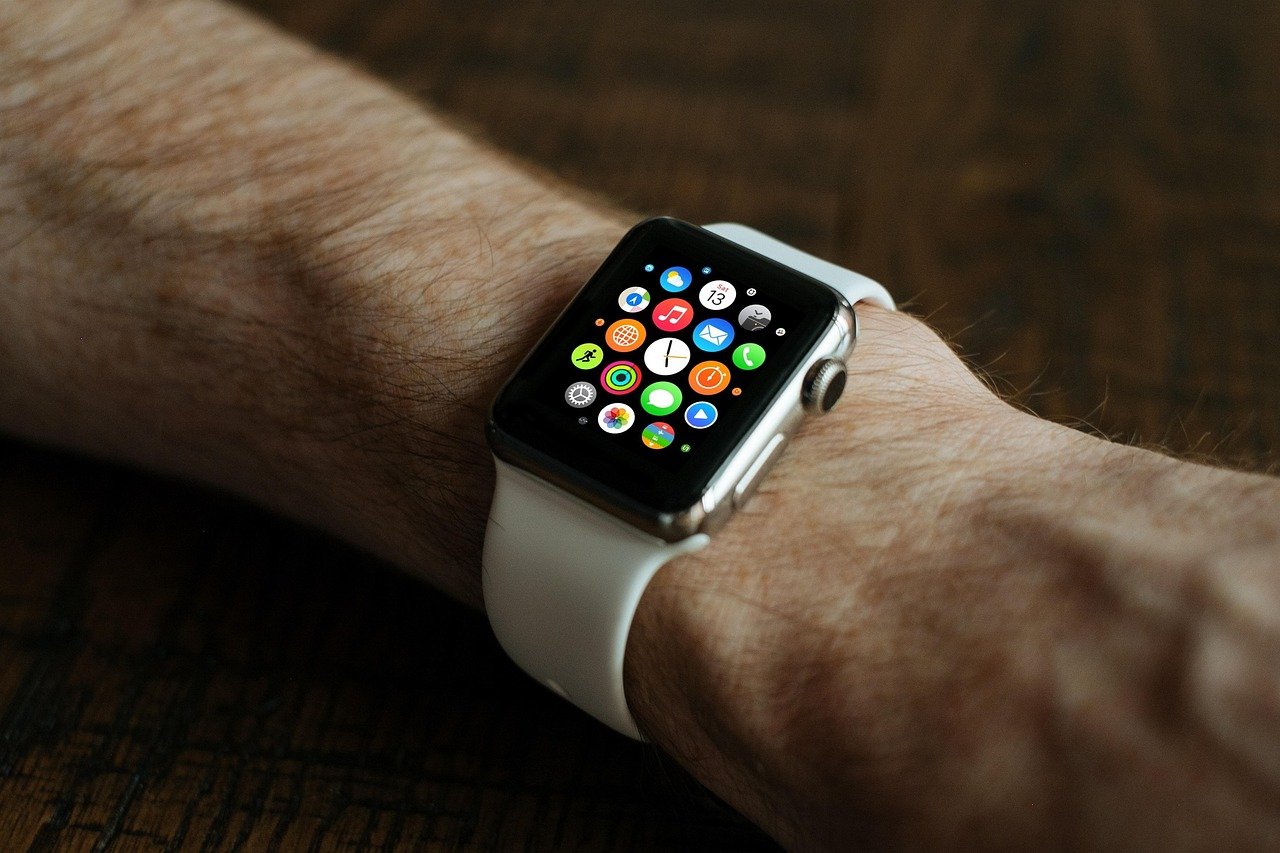
A classic dial can keep its place at the table without leaving the phone completely unheard.
At a client meeting, a glowing rectangular screen can feel out of place; a traditional-looking watch does not. That appeal drives interest in hybrid smartwatches: they retain hands, indices, and a familiar case while quietly relaying selected phone activity.
But “hybrid” is not a notification standard. One model may use a tiny text display to show a caller’s name, message preview, and app icon. Another may only vibrate and move its hands toward a symbol, leaving the phone to supply the detail. Some are essentially activity watches in analog clothing, with no notification support at all. The difference lies in the display hardware, companion app permissions, and how much digital behavior the maker has chosen to expose.
Notifications: delivery is not the same as display
Most hybrid smartwatches can relay selected phone alerts, but that does not necessarily mean the alert is readable on the watch. A vibration or moving hand may confirm that something arrived; a small screen may show an app icon, sender, or a short preview. Only display-equipped models can present meaningful text, and even they often truncate long messages.
The useful comparison is three-part:
- See: Can the wearer identify the app, sender, subject line, or message preview?
- Do: Can an alert be dismissed, marked read, or acted on from the watch? Replies and rich controls are uncommon on hybrids.
- Retrieve: Does the watch keep a notification history, or does the cue disappear once missed?
Support also depends on the companion app, phone operating system, permissions, and alert settings. A hybrid may receive calls and texts reliably while offering only a discreet buzz for other apps.
Three hybrid display designs, three notification ceilings
Analog-only connected watches
These have physical hands and no text display. A vibration, chime, LED, or moving hand can signal an incoming alert, but the watch cannot identify the sender or show its contents. This is the most discreet end of the everyday-carry watch types and features spectrum.
Analog watches with a small subdisplay
A narrow OLED, e-ink, or LCD window adds icons, caller names, and short message fragments without abandoning a conventional dial. Long alerts usually scroll or truncate, and notification history is often minimal or absent.
Screen-forward hybrids
These retain real hands but devote much of the dial to a hidden or visible digital panel. They can show several lines of text, app alerts, controls, and basic widgets, although hands may cover part of the screen and wake gestures can affect readability.
A true hybrid versus an analog-look smartwatch
A true hybrid uses physical hands and a limited display system. A full-screen smartwatch with an analog-style watch face is still a smartwatch: its hands are pixels, and it can generally render richer notifications, app interfaces, and reply tools.
Why notifications sometimes go missing
A hybrid watch does not normally receive alerts directly from the internet. The phone first receives an app notification, then its operating system decides whether that notification is allowed to be shared with the watch’s companion app. The companion app applies its selected app list and alert rules, passes an eligible alert over Bluetooth, and the watch firmware converts it into a vibration, icon, text snippet, or a combination of these.
A failure at any stage can resemble a hardware limitation. Useful checks include:
- Phone notification permission: If an app is silenced, placed in a summary, or denied notification access, there may be nothing to forward.
- Companion-app access: Android notification access and iPhone Bluetooth/notification permissions can be revoked after an update, restore, or privacy-setting change.
- Filtering rules: Many companion apps exclude apps individually, suppress duplicate calls, or offer schedule and sleep modes.
- Bluetooth state: A connected-looking watch may have lost the background connection; distance, battery-saving modes, and app force-closing can interrupt relay.
- Watch mode and firmware: Do Not Disturb, low-battery behavior, outdated firmware, or a full notification queue may suppress alerts.
A simple test is a newly generated notification from an enabled app while the phone is unlocked and nearby. If it arrives only in those conditions, the issue is usually permissions, background operation, or filtering—not the display itself.
If the alert never appears in the phone’s notification shade or lock screen, a hybrid watch generally cannot mirror it.
What each alert can really show
A hybrid can receive many of the same types of phone notification as a smartwatch, but it rarely presents them with the same depth. The useful question is not simply whether an alert arrives, but how far it travels along this ladder:
- Cue: vibration, hands movement, light, or a generic icon.
- Source identity: a caller’s name, a contact name, or an app symbol.
- Preview: a short subject line or message excerpt.
- Context and action: multiple messages, full text, reply controls, or a notification archive—features that remain uncommon on hybrids.
Calls and messages
Incoming calls are often the strongest use case. Many display-equipped hybrids can show a caller name or number, while simpler models may use a dedicated vibration pattern or call icon. Call rejection is available on some models; answering through the watch generally is not, because hybrids usually lack a speaker and microphone.
Texts and chat alerts may identify the sending app and contact, then show a few words on a small screen. Long names, emoji, group-chat context, attachments, and successive messages are commonly truncated. On cue-only designs, separate patterns may distinguish calls from messages, but not identify the sender.
Email, calendar, navigation, and alarms
Email frequently appears as an app alert or abbreviated sender/subject preview rather than a readable inbox. Calendar notifications can show a meeting title or reminder time, though location and attendee details may stay on the phone. Turn-by-turn navigation is often limited to a buzz or directional prompt, not a map.
Phone alarms and calendar reminders can sometimes mirror to the wrist; watch-set alarms are more reliable because they do not depend on Bluetooth. Behavior also varies by iPhone versus Android, particularly for app-specific alerts, message previews, and notification privacy settings.
A notification is not a tiny phone inbox
Most hybrids show only the incoming alert, a short-lived banner, or a vibration pattern. Many have no browsable notification history.
Once the banner disappears, the phone is normally the only place to recover the full message. A few display-equipped models retain limited recent alerts, but this is not universal.
Hybrids commonly show a caller name or number and offer decline, silence, or sometimes answer-on-phone controls. On-watch microphone and speaker calling is uncommon.
Bluetooth notification mirroring is far simpler than adding call audio hardware, battery capacity, and call-control software.
Previews may truncate long texts, omit images, collapse group details, or render emoji imperfectly. Replies, when offered, are often fixed quick responses rather than a keyboard or voice dictation.
Small screens and lean companion apps prioritize glanceable information. Platform rules also affect which apps, reply actions, and rich content can pass through.
When an alert is actually useful
Conditions change the experience
A hybrid can signal an event reliably yet remain awkward to interpret. On a small analogue window, a raised wrist, glare, a cuff, or poor low-light legibility can turn a visible alert into a guess. Distinct vibration patterns can separate calls from app activity, but become easy to confuse when several alerts arrive together.
In a silent office, workshop, or care setting, vibration-only designs can be less disruptive than chimes or bright screens. They can also suit sleep and overnight work because a wearer can notice a cue without lighting the room. For hybrid visibility features suited to night shifts, an illuminated digital display makes sender names and short text more practical than vibration alone.
Visible previews bring a privacy trade-off: a message, appointment title, or caller name may be readable nearby. Most companion apps allow owners to restrict alerting apps, suppress previews, set screen-wake behaviour or schedules, and sometimes choose alert styles. Filtering routine mail, social updates, and group chats preserves attention for events that need it—and reduces ambiguity on a watch with limited context.
A discreet vibration is not automatically private: a persistent screen preview can expose its content after the wrist is lowered. Preview suppression and app-level filtering address different parts of that problem.
A quieter alternative to a full smartwatch
A hybrid is most useful as a discreet triage device: a vibration, icon, or short line of text can signal that a phone deserves attention. The interaction usually ends there. That limitation is intentional for many wearers; it reduces the temptation to scroll through a queue of alerts at the wrist.
A full smartwatch typically takes the opposite approach. Its larger color display can show fuller message threads, notification history, maps, rich app cards, keyboards or voice replies, and—on some models—cellular connectivity when the phone is away. Those capabilities make it more independent, but also more likely to turn a glance into several minutes of interaction.
The practical trade-off
Hybrids generally run a narrower software stack, with fewer always-on display demands and fewer apps competing for power. As a result, their battery-life tradeoffs compared with full smartwatches often favor charge intervals measured in many days or longer rather than daily charging. Exact endurance still depends on screen type, vibration frequency, activity tracking, and connected features.
A hybrid therefore fits someone who wants awareness without an inbox. A full smartwatch fits someone who needs to act on alerts, browse context, or remain connected beyond Bluetooth range. Neither category is inherently more capable in every sense; they prioritize different kinds of attention.
Verify the exact watch, not the product family
-
Start with the full model number
A brand’s hybrid range can include screenless, small-display, and app-connected variants with very different alert behavior. Check the current manual and companion-app support page for that exact reference.
-
Match it to the phone in use
Confirm iPhone or Android compatibility, minimum OS version, and any platform-specific limits on caller names, message previews, app alerts, or quick replies.
-
Define the minimum visible detail
Decide whether a vibration cue is enough, or whether sender names, message text, navigation prompts, and a notification history are essential. A small display may still truncate long alerts.
-
Inspect the controls behind the alert
Look for per-app filters, Do Not Disturb scheduling, preview/privacy settings, vibration patterns, and whether dismissed alerts can be revisited. These controls often matter more than the number of supported apps.
-
Verify real-world behavior before buying
Recent reviews and user reports can reveal delayed vibration, unreliable reconnecting, unreadable text, or missing reply options. Documentation and app features can change after firmware or phone-OS updates.
Marketing pages often describe notification delivery broadly; manuals and current app listings usually provide the useful limits.
Choose a hybrid for awareness, not conversation
- Treat notification history and reply controls as separate features from alert delivery.
- Prioritize filtering and vibration quality when the watch will remain mostly under a sleeve.
A hybrid smartwatch is a strong fit when the goal is to notice a call, message, reminder, or turn without repeatedly checking a phone. The right model makes those interruptions selective, legible, and private.
When reading, replying, searching old alerts, or handling rich app notifications matters, a fuller smartwatch interface is generally the more suitable category. Exact-model confirmation remains essential because similar-looking hybrids can differ sharply in what they show and control.








3 Comments
What about navigation? I don’t need a map, but turn-by-turn cues would be useful while cycling. Are the abbreviated navigation alerts generally reliable enough, or do most hybrids just tell you that your phone has a Maps notification?
I’m actually looking for the quieter option, not a tiny phone on my wrist. A discreet buzz for calls and calendar reminders is enough for me, especially if the battery lasts weeks. The privacy point is huge too—no message preview lighting up during a meeting 😅
My old hybrid had little hands that pointed to a number for different app alerts. Clever idea, but after a week I couldn’t remember whether “4 o’clock” was Teams or my package delivery. Is there any real advantage to those indicator-style designs over just a simple vibration?